About this product
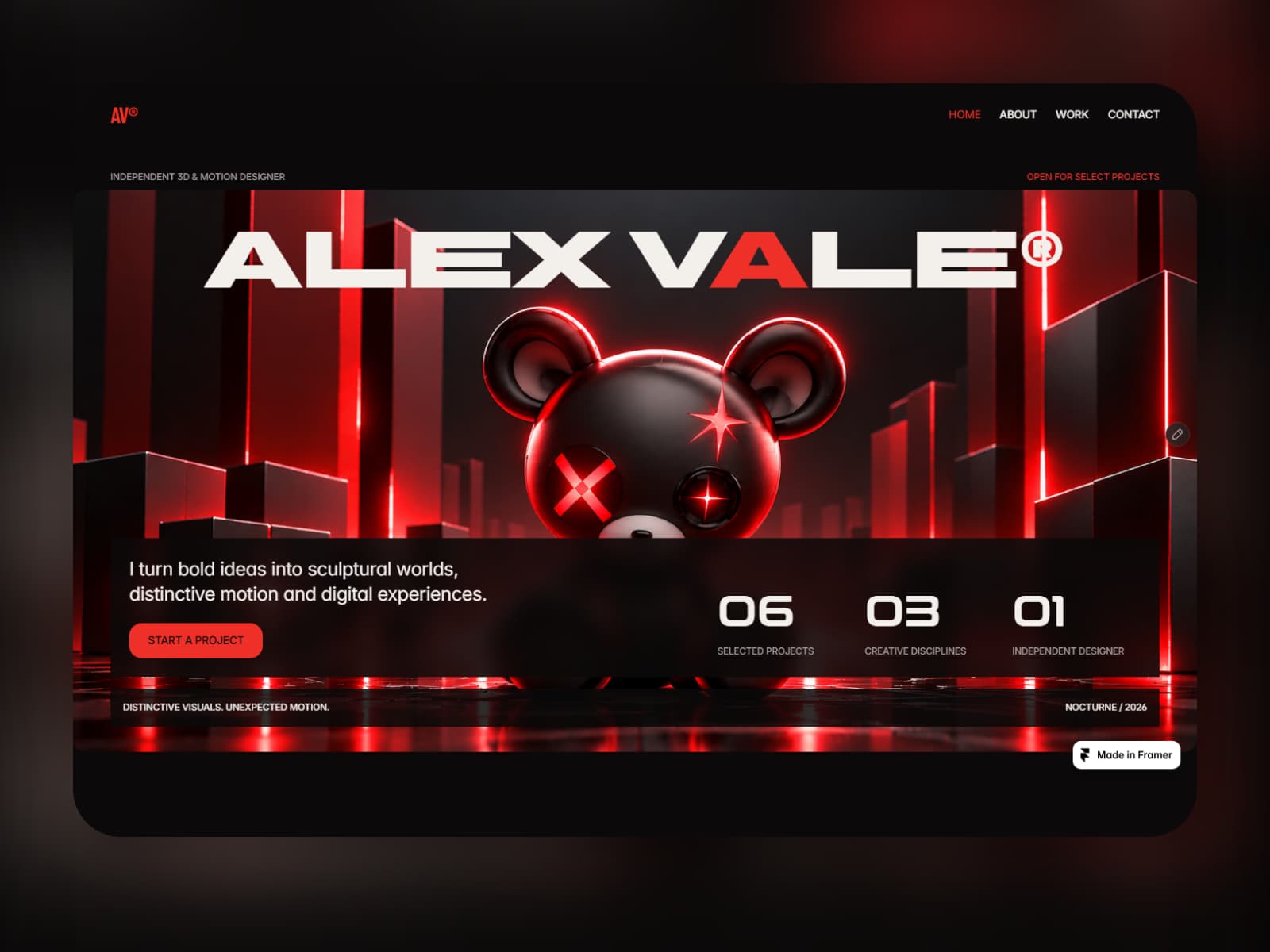
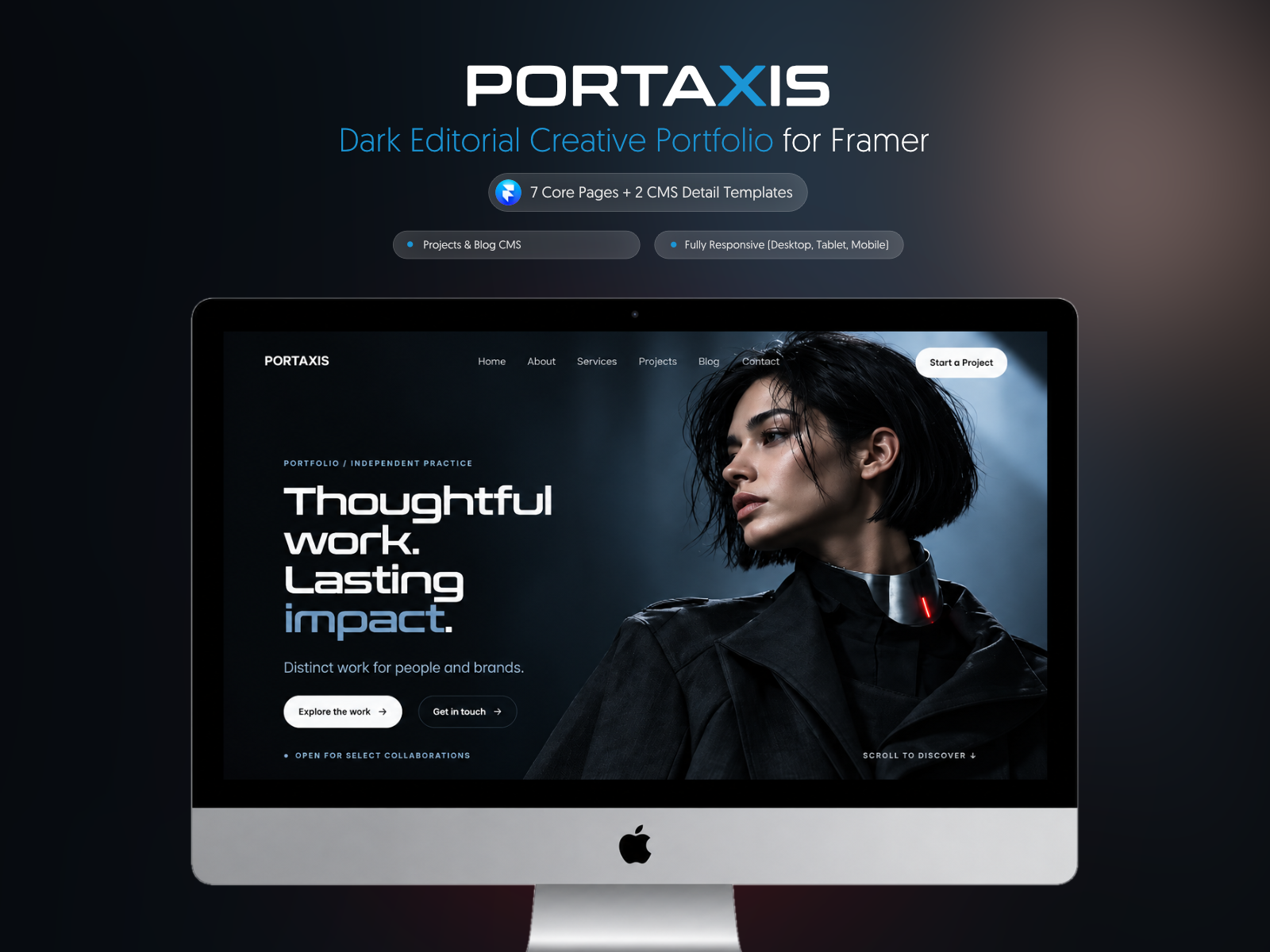
Portaxis is a premium dark editorial portfolio template for independent creatives, multidisciplinary designers, creative directors, freelancers, and small design studios.
Built around a cinematic, industrial visual system, Portaxis combines structured layouts, cool metallic imagery, CMS-powered work, and restrained motion to present creative projects with clarity and character—without overwhelming the work itself.
✨ What’s Inside:
Editorial Portfolio Homepage: A bold introduction with featured projects, expertise, personal profile, testimonials, and clear contact paths.
CMS-Powered Project Archive: Add, update, and organize projects through Framer CMS without rebuilding individual cards.
Dynamic Project Detail Pages: Dedicated case-study layouts for project imagery, challenge, approach, outcomes, services, metrics, and project information.
CMS-Powered Blog: Featured article, article archive, category filters, publication dates, read times, and dynamic article pages.
Services Page: A clear presentation of strategy, creative execution, ongoing support, collaboration models, process, and FAQs.
About Page: Editorial biography, selected principles, experience metrics, and availability details.
Functional Contact Form: A reusable form component with an editable webhook URL for connecting your preferred form backend or automation service.
Responsive Navigation: Shared desktop header and an interactive mobile menu with access to every main page.
Custom 404 Page: A responsive error page designed to match the rest of the portfolio.
Built-In Setup Guide: Clear instructions for editing global styles, CMS content, contact settings, links, and publishing.
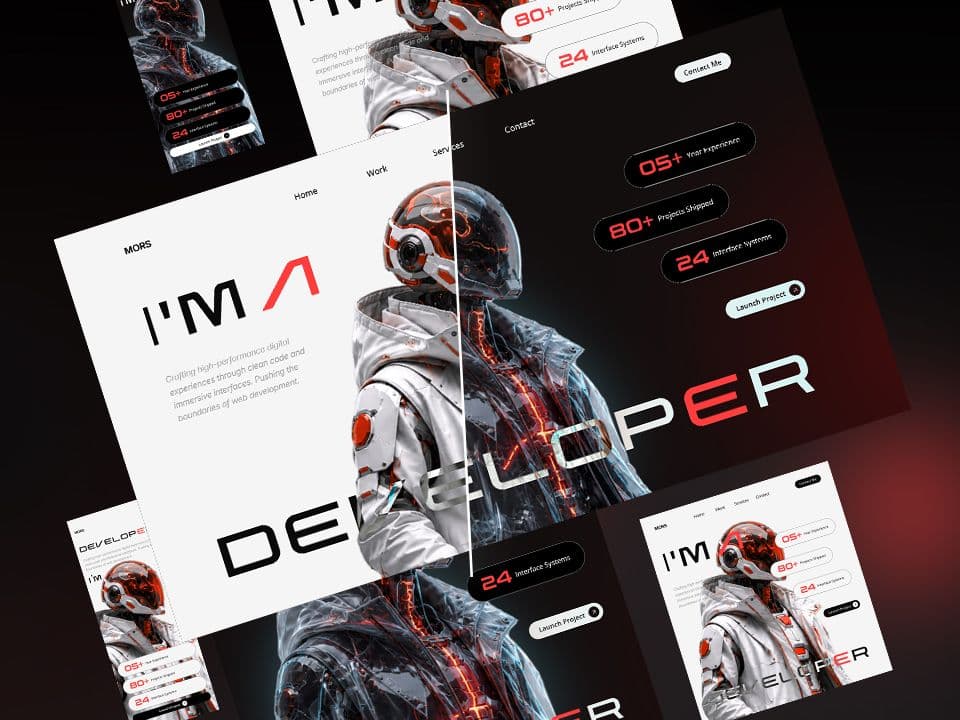
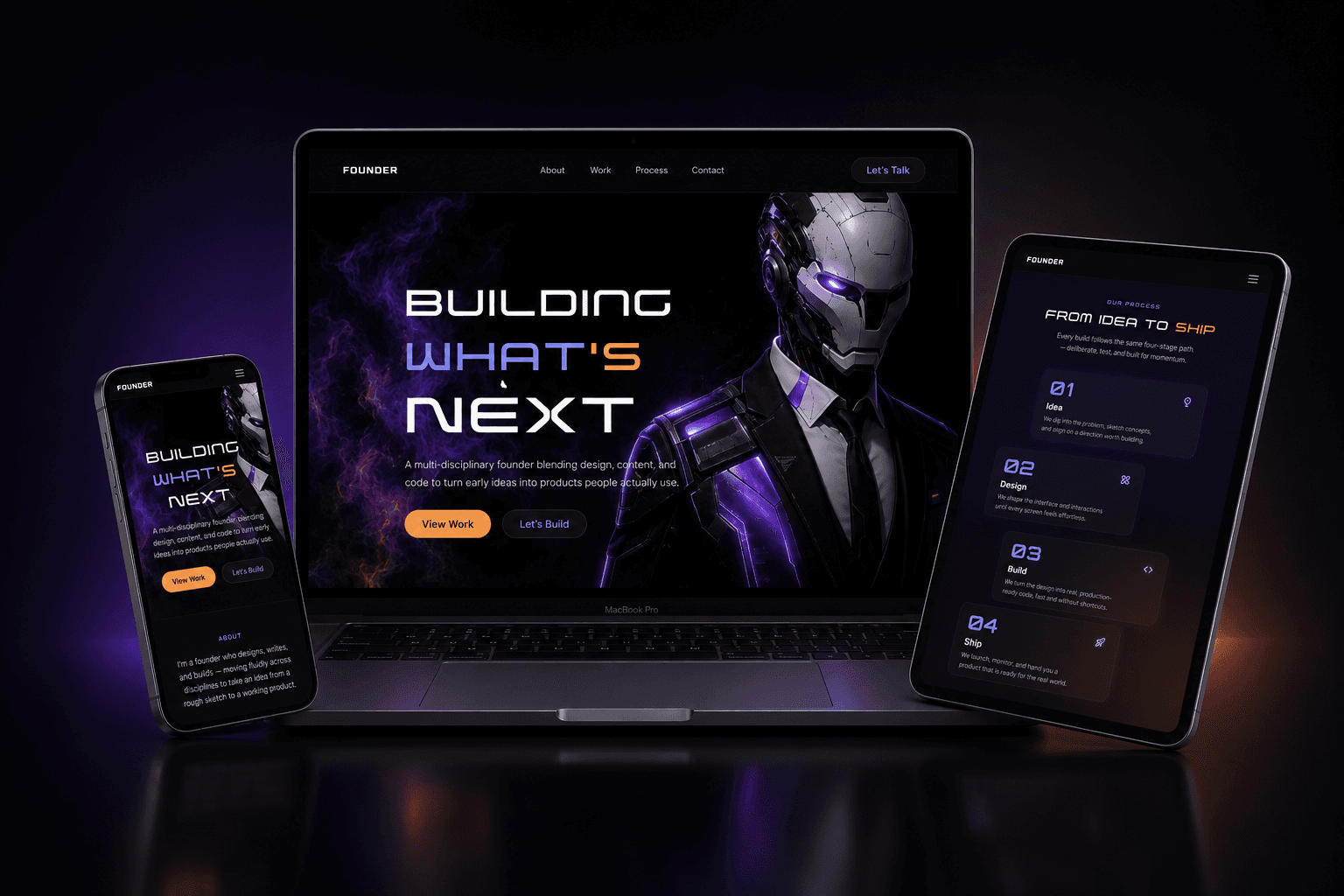
Responsive by Design: Carefully adapted for Desktop, Tablet, and Phone.
Premium Motion System: Consistent bottom-to-top scroll reveals, subtle image movement, refined hover states, and smooth interactions.
🚀 Why Choose Portaxis:
Made for Creative Work: Designed to give projects, imagery, and case studies enough space to make an impact.
Distinct Editorial Direction: A dark industrial aesthetic built from graphite surfaces, steel-blue details, cold typography, and desaturated imagery.
Easy to Customize: Update text, colors, images, links, CMS projects, and articles directly in Framer—no code required for normal editing.
Scalable CMS Structure: New projects and articles can be added without manually rebuilding archive layouts.
Ready for Client Work: Suitable for personal portfolios, creative practices, boutique studios, and portfolio sites built for clients.
Clean and Responsive: Structured components and layouts provide a consistent experience across screen sizes.
🎯 Perfect For:
Multidisciplinary Designers
Creative Directors
Brand and Visual Designers
Digital Designers
Independent Creatives
Freelancers
Small Creative Studios
Framer Designers and Agencies
📄 Included Pages:
Home
About
Services
Projects
Project Detail
Blog
Blog Article
Contact
404
Template Setup Guide
📖 How to Use:
Complete the checkout to receive the official Framer Remix Link.
Open the Remix Link to duplicate Portaxis into your Framer workspace.
Replace the sample projects, articles, imagery, contact details, and social links.
Add your webhook URL to activate the contact form.
Connect your domain and publish.
Requirements:
A Framer account
Basic familiarity with the Framer editor
Your own images, project content, links, and contact details
Updated