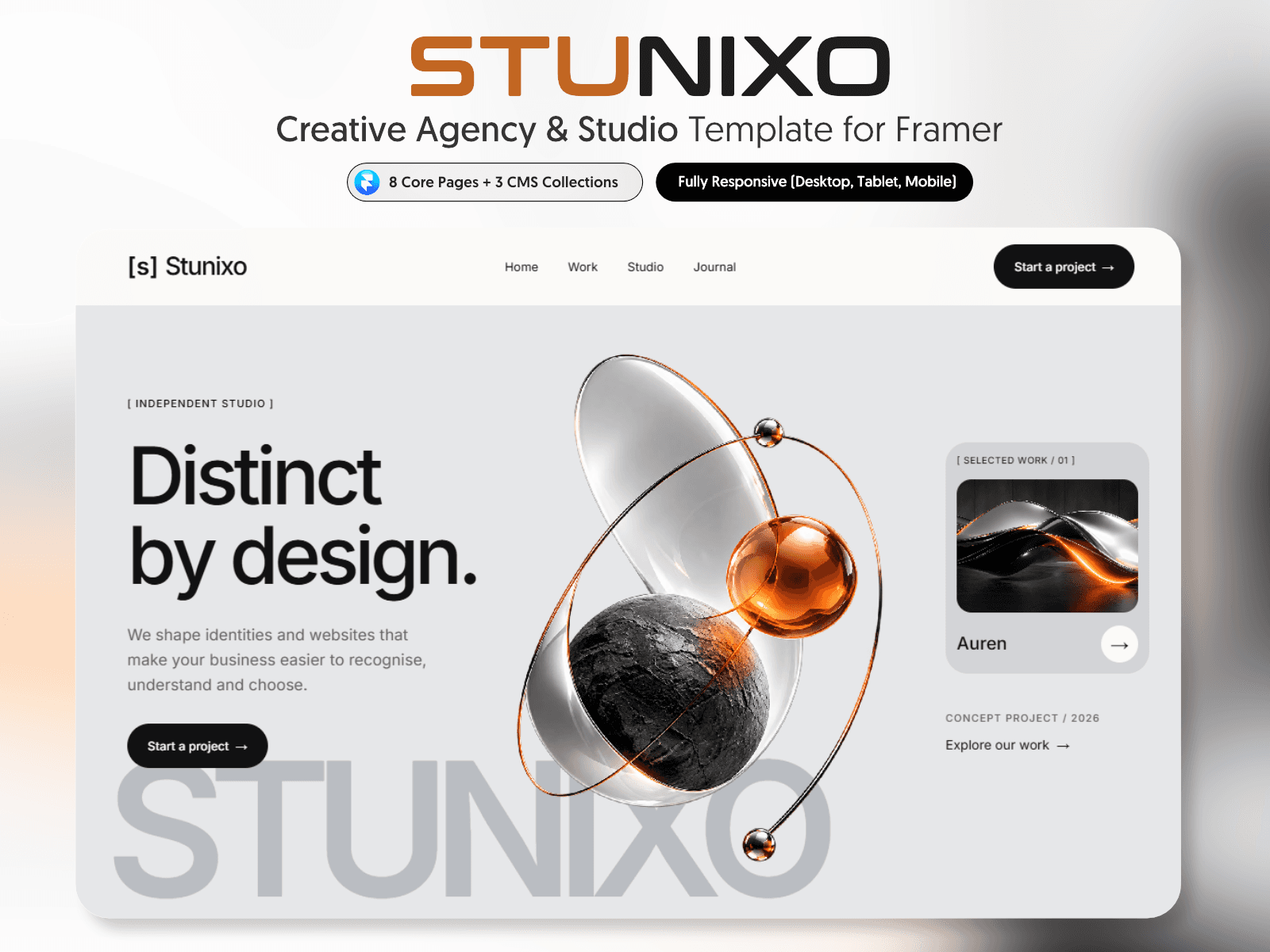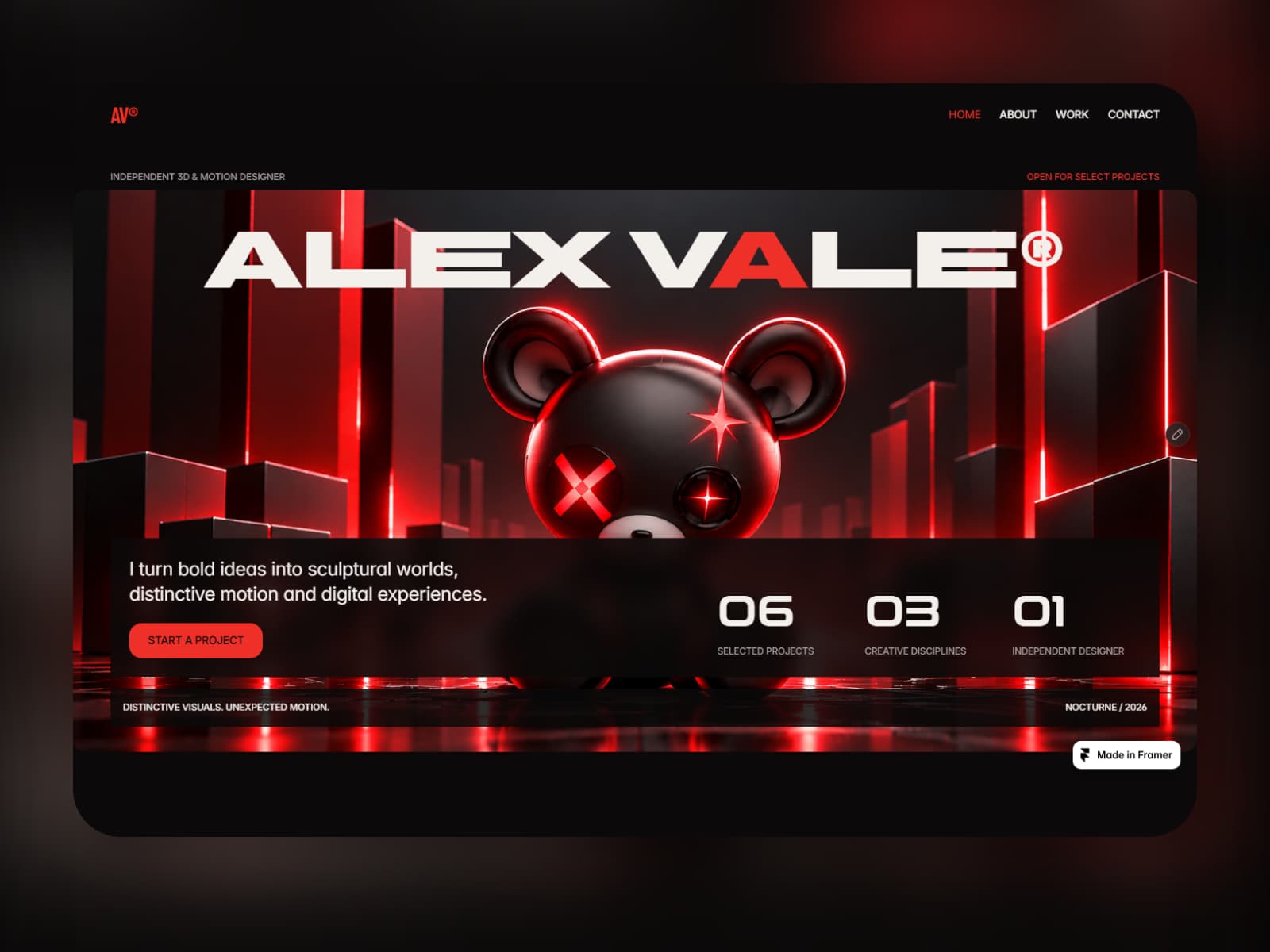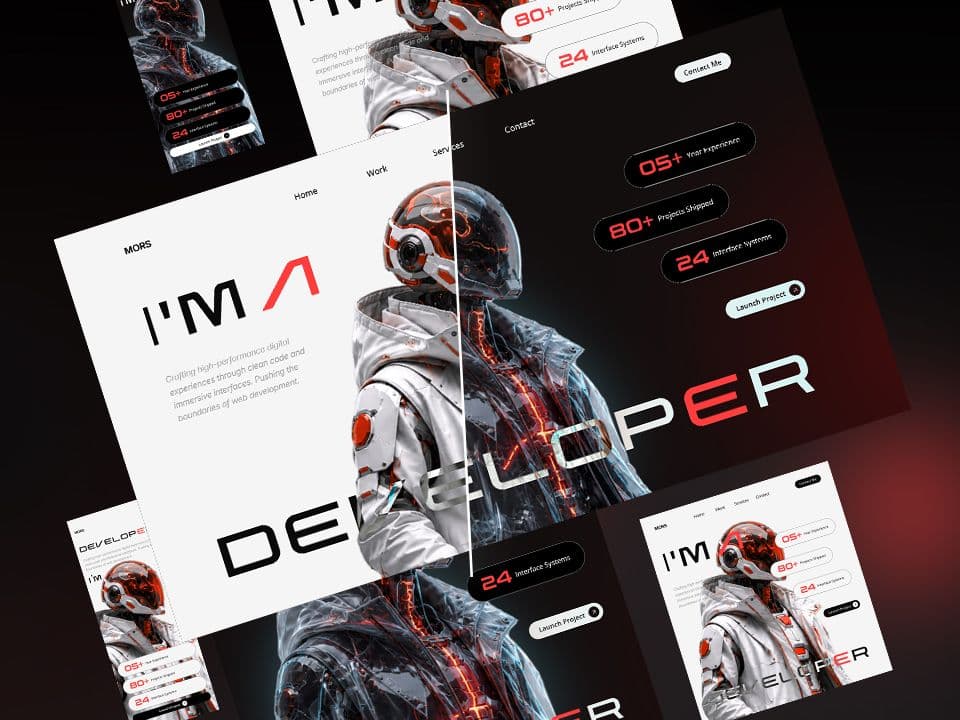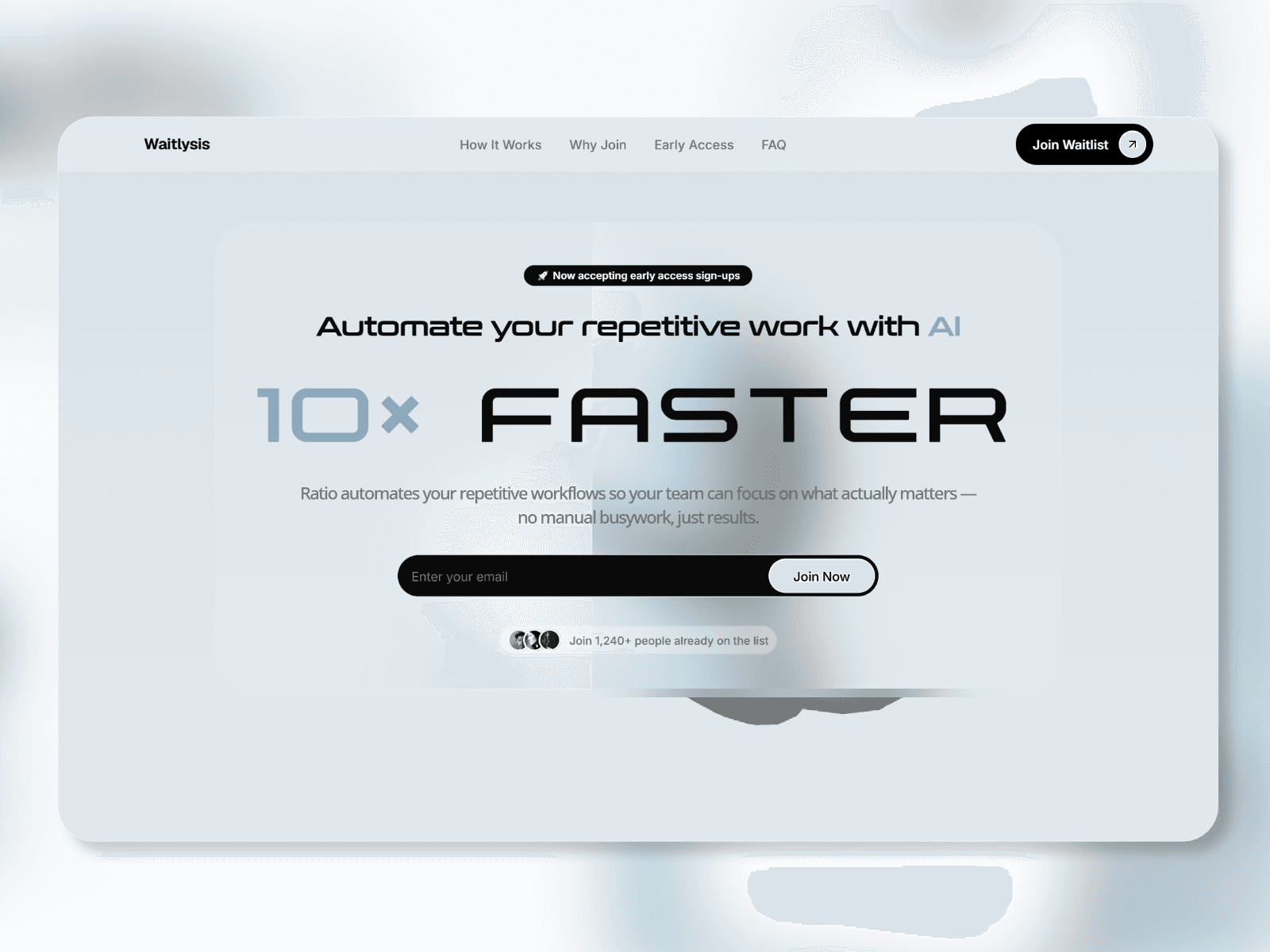
About this product
⚡ Live Preview: https://agendio.framer.website/
Agedio is a free Framer template for creative agencies and independent studios, with glass artwork, responsive layouts, project showcases and a contact form.
Agedio pairs pale lavender glass artwork with editorial typography and a staggered project grid. Introduce your studio, show the work you want to be hired for, and give potential clients a clear way to get in touch.
✨ Template Features
• Home: animated glass hero, selected work, services, testimonial and a closing call to action.
• Work: six editable demo project cards with images, service labels and years.
• Studio: an introduction, team portraits and studio metrics.
• Contact: native Framer inquiry form and expandable FAQs. Set your own receiving inbox before launch.
• Template Guide: an editor-only guide with color swatches, typography and illustrated form setup.
🗂️ Project Content & Editing
The Work page includes six sample projects. Each card lets you edit its cover image, title, service labels and year in Framer. Three projects also appear on Home. Update both instances if you want their information to match. The included cards are manually edited; a CMS case-study collection is not included.
The Studio page includes editable names, roles and portraits. Replace the sample studio details, metrics, testimonials and social URLs with your own content before publishing.
🎬 Motion & Layout
Scroll reveals, image transitions, a client logo marquee and hover details. Includes Desktop, Tablet and Phone layouts and a mobile menu.
The visual palette combines cool white, lavender and periwinkle. Space Grotesk leads the display typography, Instrument Serif Italic highlights accent words, and Inter supports the body text and navigation.
📄 Included Pages
Home · Work · Studio · Contact
🎯 Made For
Branding studios, web and motion designers, independent creatives and small agencies.
🎨 Make It Yours
Replace the demo projects, artwork, studio identity, social links and contact details. Edit supported content through Framer layers and component properties. Some custom visuals and motion are built with Code Components.
📖 How to Use
-
Get the free template and open the supplied Framer Remix link.
-
Duplicate Agedio into your Framer workspace and replace the demo content.
-
In Contact, select the form and set Send To → Email to your own inbox.
-
Review all three breakpoints, publish and send a test inquiry.
For the contact form, the visitor’s email is the address you can reply to. The receiving inbox is configured separately in Send To. The guide includes a screenshot of the form and instructions for checking delivery.
A Framer account is required. Framer hosting and plan costs are separate.
💬 Questions? soidesmax@gmail.com
Updated